Main Dashboard
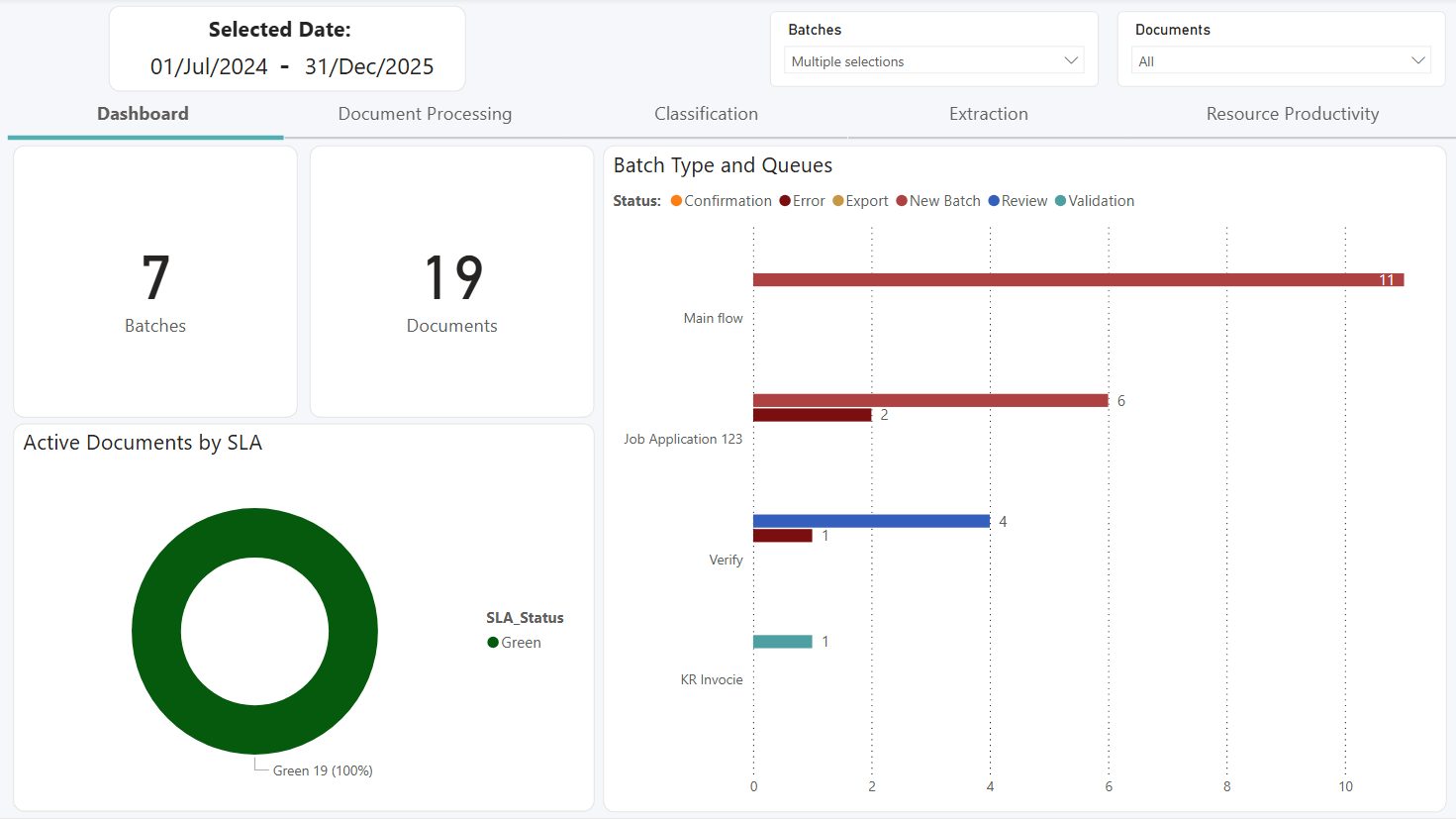
Last Updated: Version R2601The main dashboard provides overview information only. At a glance, you can view the number of batches, number of document, and active document by SLA (displayed as a percentage).
The Batch Type and Queues section of the dashboard can be filtered based on batches and document. This chart provides a quick view of the status of documents within a process flow, and also within a given time period (shown in Selected Date). Use the pick lists to change the selections and update the data presented.
When you change the date range on either the Document Processing or the Resource Productivity tabs, the selected date range also updates for this Main Dashboard.