

View Notifications
Last Updated: Version R2510The Bell icon appears on the New Batch and Work Queue screens. If you click the Bell  , you can view all notifications that have been sent to your user account. Although notifications are sent via email, this option provides a full list of your notifications. Notifications are triggered based on SLA threshold settings configured by the Designer per Batch Type.
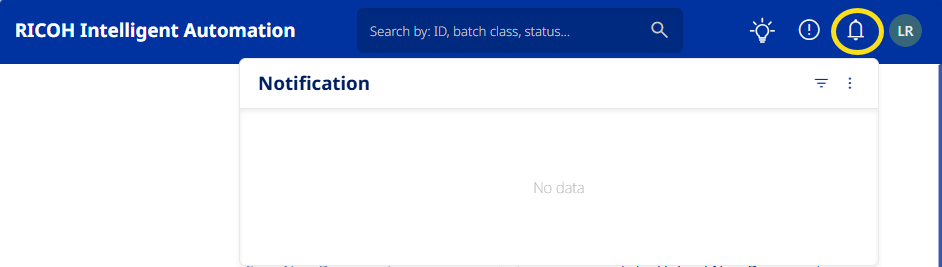
-
Click on the Ellipses
 button to refresh the list to ensure you are viewing the most current data, and you can Mark All As Read.
 -
Click on the Filter
 button to view only Unread messages.