

Obtain Login Credentials
Last Updated: Version R2510To obtain an account, you must provide a valid email address to an Administrator. The Administrator will add the account, and you will receive an email notification. Look for an email invitation with the Sender 'Ricoh Document Intelligent', and click the Set Up Account button that appears in the email message.
If your Administrator has enabled Single Sign-on, you will see a button labeled Set Up SSO instead of Set Up Account. Follow the instructions below for both options.
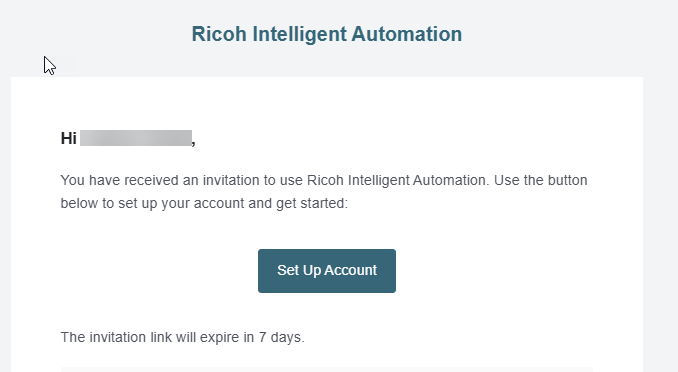
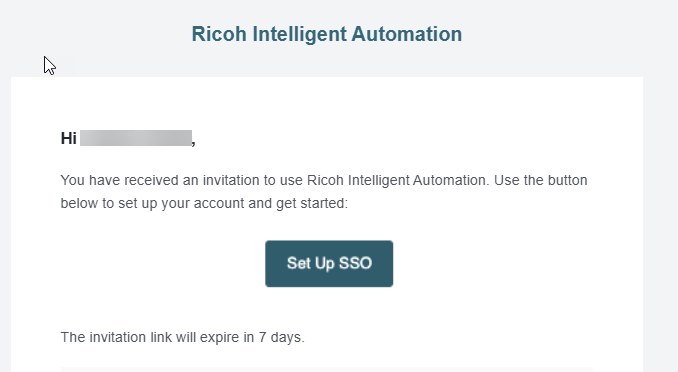
-
Once you click the link, your default browser will open and navigate to the RICOH IA site. You must choose an option to clear the Cookie warning. Choose Accept All Cookies to proceed.
-
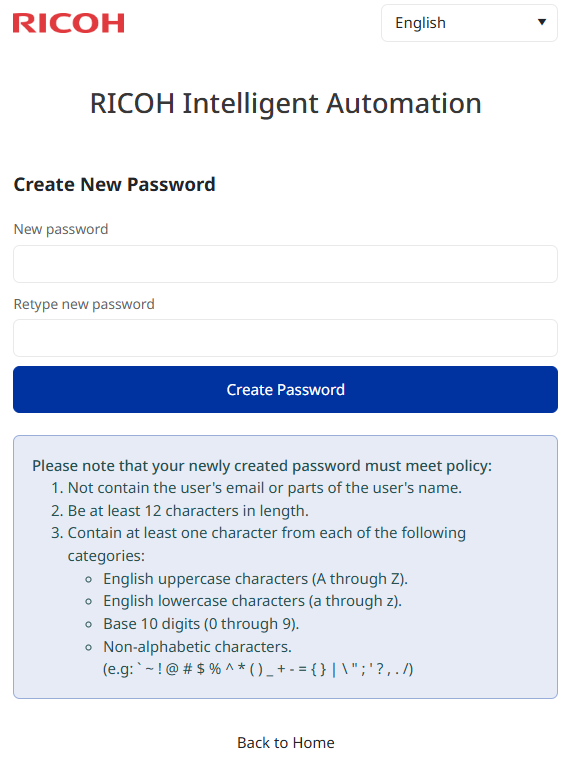
You can enter your new password information in the New password and Retype new password fields, then click Create Password to continue.
RICOH IA's password policy is indicated in both the invitation email and on the screen itself.
If Single Sign-On or Multi-factor authentication has been enabled, see Login with MFA or SSO for further instructions.