

Setup Batch Failure Alerts
Last Updated: Version R2510If a batch instance fails to process, you can generate an email alert to notify a single user, group of users, and/or the user who submitted the batch.
Only a user with Administrator access level can access the Account settings page to setup these alerts.
-
Click Settings.
-
Select Account.
-
Under the Alerts subheading, click + to setup a new alert.
-
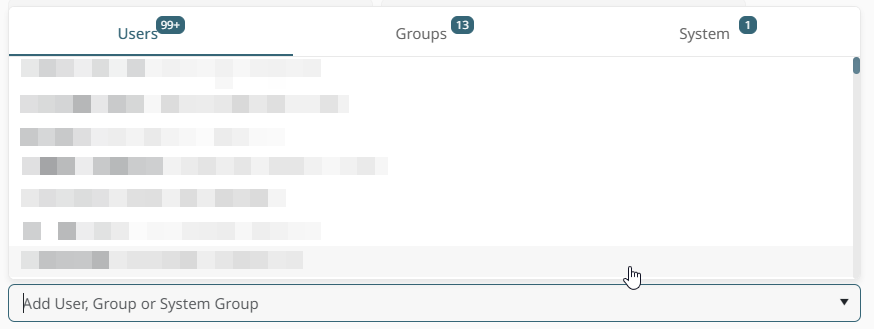
To add single users: Alerts individually users. Click the Users tab (selected by default), and browse through the list of user names. Alternatively, type in the user name to view matches. Click a user to select that user.
-
To add user groups: Alerts all members of the selected user group. Click the Groups tab, and browse the list of groups. Alternatively, type in the group name to view matches. Click a group to select that group.
-
To add a batch system user: Alerts a user identified by the system. For example, you can notify the user who last modifier that batch, the user who created the batch, or the user who created the entire batch type. Click the System tab, and then choose one of the following: Batch Type Creator, Batch Creator, or Batch Type Last Modifier.
-
-
Click Save.
Each user, group, or system alert is listed in the interface to visually indicate your selections.
